

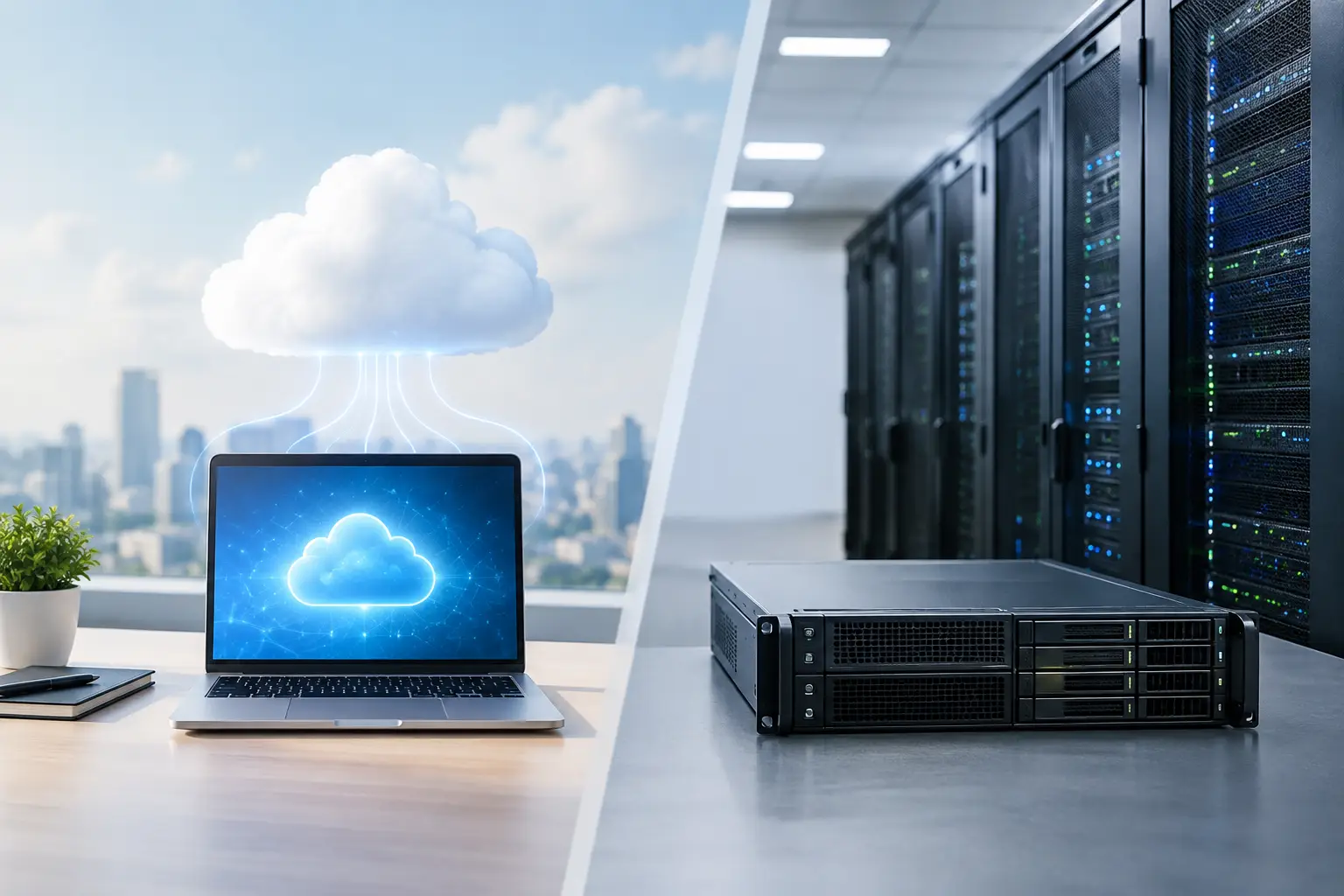
A server decision becomes very real when a power outage, failed hard drive, ransomware alert, or remote-work request interrupts a normal business day. The cloud server versus on premises question is not about choosing the newest technology. It is about deciding where your applications and data can operate reliably, who is responsible for protecting them, and how quickly your team can get back to work when something goes wrong.
For small and midsize organizations, the right answer depends on daily workflows, compliance requirements, internet reliability, budget, growth plans, and internal IT capacity. A cloud-based environment can reduce hardware responsibilities and improve access. An on-premises server can offer direct control and predictable local performance. Neither model fixes poor planning, weak security, or inadequate backups.
Cloud Server Versus On Premises: The Core Difference
An on-premises server is physical equipment located in your office, data center, or another facility you control. It may run your line-of-business software, store shared files, manage user access, or support specialized devices. Your organization owns or leases the hardware and is responsible for its upkeep, security, backups, power protection, cooling, and eventual replacement.
A cloud server runs in a provider-operated data center and is accessed through the internet or a secure private connection. The provider maintains the physical infrastructure, while your business still needs to manage user permissions, application configuration, data protection, and security policies. Cloud services may include virtual servers, cloud file storage, hosted applications, and hosted backup platforms.
The practical distinction is responsibility. With on-premises infrastructure, your business carries more responsibility for equipment and facilities. With cloud infrastructure, responsibility is shared between your organization and the cloud provider. That shared-responsibility model deserves close attention. A provider may protect the data center, but it does not automatically protect every user account, file, or application setting in your environment.
Cost Is More Than a Monthly Bill
On-premises servers usually require a larger upfront investment. Hardware, server software, networking equipment, backup devices, installation, warranties, and power protection can add up quickly. Then there are ongoing expenses for monitoring, maintenance, replacement parts, software licensing, electricity, and IT support.
Cloud servers often shift more costs to a recurring monthly operating expense. That can make budgeting easier and reduce the need for a major hardware purchase. It can also help a growing business add storage, users, or computing power without buying equipment sized for future needs years in advance.
However, cloud costs need active management. A service that starts at a modest monthly price can grow as storage, processing capacity, licensing, backup retention, or user counts increase. Businesses should ask what is included, what creates additional charges, and whether they can forecast costs over three to five years.
On-premises systems can be cost-effective for stable workloads that do not change often, especially when an organization already has suitable space and technical support. But delaying hardware replacement to save money can produce a different expense: slow systems, frequent downtime, unsupported software, and a rushed recovery after equipment failure.
Reliability Depends on More Than Server Location
A local server can provide excellent performance for staff working in the same building. If employees use large design files, specialized databases, imaging systems, or equipment that requires low-latency access, local infrastructure may support their workflow better than a fully cloud-based setup.
The trade-off appears when the office is unavailable. A fire, flood, prolonged power outage, internet disruption, or building access issue can take an on-premises server out of reach. Battery backups and generators help with short outages, but they do not replace a tested disaster recovery plan.
Cloud servers are typically hosted in data centers with redundant power, cooling, and network connections. This can improve availability, particularly for teams working from multiple locations. Yet cloud access relies on a working internet connection. If your office loses connectivity and staff cannot work effectively from mobile hotspots or an alternate location, cloud availability alone will not keep the business moving.
For many organizations, the most dependable design combines local and cloud resources. Critical applications may remain on-site for performance, while cloud backup, replicated systems, cloud email, and secure remote access provide continuity when the office cannot operate normally.
Security and Compliance Require Clear Ownership
Cloud platforms can offer strong physical security, monitoring, and infrastructure controls that may be difficult for a small business to duplicate internally. But cloud security is not automatic. Weak passwords, missing multi-factor authentication, excessive user permissions, unpatched applications, and unmonitored accounts can expose cloud-based data just as easily as data stored in an office.
On-premises servers give your organization direct control over where data resides and how systems are configured. That can matter for organizations with specific regulatory, contractual, or operational requirements. Healthcare practices, legal firms, financial organizations, and public-sector entities often need clear access controls, audit records, retention policies, and documented recovery procedures.
Direct control also means direct accountability. An on-premises server needs timely patches, endpoint protection, network segmentation, encrypted backups, restricted administrative access, and continuous monitoring. Leaving a server in a closet without active management is not a security strategy.
Before selecting either model, identify the data you handle, who needs access, which regulations apply, and what evidence you may need to show clients, auditors, insurers, or regulators. Security decisions should be tied to real business risk, not assumptions about whether cloud or local systems are automatically safer.
Remote Work Changes the Equation
If employees need secure access from home, client sites, satellite offices, or while traveling, cloud services can simplify the experience. Authorized users can reach approved applications and files without relying on a single office location, provided the environment is properly configured and protected.
An on-premises server can also support remote work through a secure VPN, remote desktop platform, or virtual desktop environment. This may be the better option when applications are not designed for the cloud or must remain close to specialized equipment. The key is avoiding shortcuts. Exposing remote access directly to the public internet or sharing generic credentials creates unnecessary risk.
The best remote-work setup balances convenience with controls such as multi-factor authentication, managed devices, encryption, user training, and prompt removal of access when an employee leaves. Whether the server is in your office or a cloud data center, access management is one of the most important protections you have.
When On-Premises Makes Sense
An on-premises approach may be a strong fit when your business depends on specialized legacy applications, high-speed local access, large files, or equipment that must communicate directly with a local server. It can also work well for organizations with stable workloads, appropriate facilities, and a clear plan to maintain and replace equipment on schedule.
This choice requires commitment. You need reliable backup power, secure storage, environmental safeguards, monitored backups, documented recovery steps, and experienced technical support. A server purchase is not a one-time project. It is an operating responsibility that continues for the life of the system.
When Cloud Servers Make Sense
Cloud infrastructure is often a practical choice for organizations with distributed teams, changing storage needs, limited office space, or a need to reduce dependence on aging server hardware. It can support faster deployment, easier expansion, and access from more than one location.
Cloud can also help organizations improve business continuity when it is paired with a tested recovery plan. If a primary office is inaccessible, authorized employees may be able to work from another location without waiting for replacement hardware to arrive and be configured.
Still, a cloud migration should be planned carefully. Not every application belongs in the cloud, and moving data without reviewing permissions, bandwidth, backups, licensing, and user workflows can create new problems. The goal is not to move everything. The goal is to place each workload where it performs, protects, and costs the right amount for your business.
Make the Decision Around Your Operations
Start with the applications your staff cannot work without. Consider how much downtime those systems can tolerate, how quickly data changes, whether employees need remote access, and what would happen if your office were unavailable for several days. Then compare the full cost of each option, including security, backup, support, hardware lifecycle, internet dependency, and recovery planning.
AComp NJ helps organizations evaluate these choices based on their real operations, not a one-size-fits-all recommendation. A thoughtful assessment can identify whether cloud, on-premises, or a hybrid design will give your team better performance, clearer costs, and more dependable coverage.
The most useful next step is to test your assumptions before an outage tests them for you. Review where your critical data lives, how it is backed up, who can access it, and how your team would continue serving customers if the office doors did not open tomorrow.