

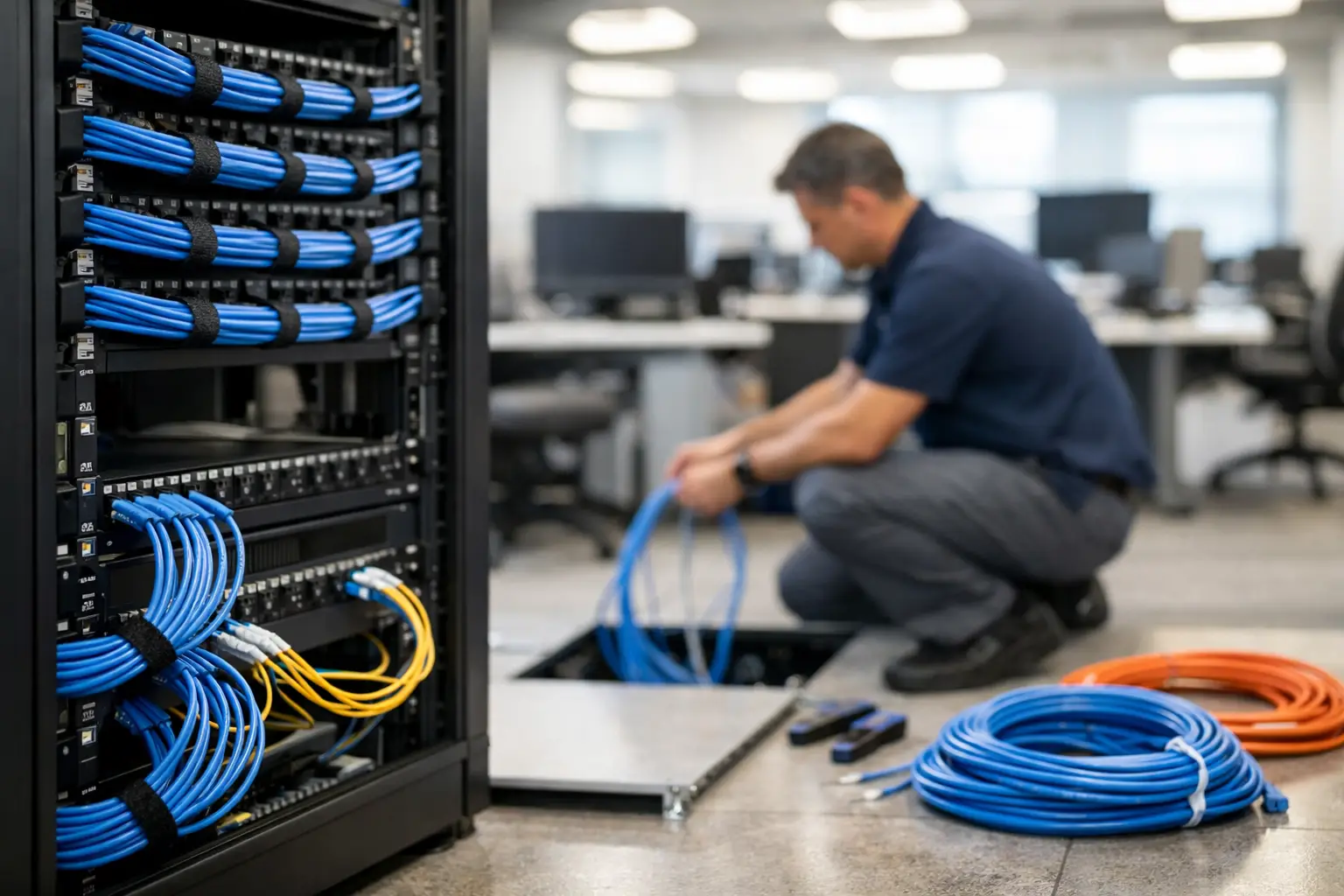
A slow network is not always an internet-provider problem. In many offices, the real issue is behind the walls, above the ceiling tiles, and under the desks: aging, disorganized, or poorly planned cabling. A structured cabling office installation gives your business a dependable physical foundation for network access, phones, Wi-Fi, cameras, access control, and the systems employees rely on every day.
For a growing practice, legal office, municipal department, warehouse, or professional services firm, this work is not just about pulling cable. It is about preventing downtime, making moves and changes easier, protecting sensitive operations, and avoiding the cost of reopening walls or disrupting employees later.
What Structured Cabling Means for Your Office
Structured cabling is an organized, standards-based system of low-voltage cables, pathways, outlets, patch panels, racks, and labeling. Instead of running individual cables wherever a need appears, the system uses a planned layout that connects work areas to a central telecommunications room or network closet.
That organization matters when an employee moves offices, a new department is added, or a device stops working. With labeled ports and documented cable paths, your IT team can identify the connection quickly rather than tracing an unmarked cable through a ceiling or under a conference table.
A well-designed installation commonly supports data networking, VoIP phones, wireless access points, surveillance cameras, door access systems, printers, audiovisual equipment, and other connected devices. One cabling system can support many business functions, provided it is planned for the right capacity and cable type from the start.
Why Cabling Decisions Affect Daily Operations
Cabling is easy to overlook during an office move, renovation, or expansion because it disappears once the project is finished. But poor design tends to become visible at the worst times: a video call freezes during a client meeting, a camera loses connection, an employee cannot access a critical application, or a network switch is surrounded by tangled, unidentified patch cords.
Reliable cabling improves productivity by reducing those avoidable disruptions. It also gives your technology room to grow. A cable installed for basic desktop connectivity may later need to carry traffic for cloud applications, high-resolution conferencing, large file transfers, or power-over-Ethernet devices such as phones and security cameras.
There is also a cost-control benefit. Installing quality cabling during construction or renovation is far less disruptive than retrofitting an occupied office later. The least expensive proposal is not always the lowest total cost if it leaves no spare capacity, uses unsuitable materials, or skips testing and documentation.
Start With How Your Team Actually Works
The right design begins with an on-site assessment, not a generic floor plan. Every office has different work patterns, building limitations, and future plans. A medical practice may need reliable connections for workstations, imaging-related workflows, and secure Wi-Fi. A law firm may prioritize conference rooms, document-heavy work, and private office connectivity. A warehouse may need durable drops for access points, cameras, and devices across a larger footprint.
Before installation, identify where people work, where they meet, where equipment will sit, and which systems must remain available. This includes workstations, reception areas, conference rooms, shared printers, wall displays, security devices, Wi-Fi access points, network closets, and future tenant or department expansion.
It is also worth asking what changes are likely over the next three to five years. Will headcount increase? Are more employees working hybrid schedules? Will additional cameras, access control doors, or AI-enabled systems be added? Planning for reasonable growth is usually more affordable than treating every new device as a separate emergency project.
Choose Cable Categories With a Clear Purpose
Cat6 and Cat6A are common choices for business networks, but the best option depends on distance, speed requirements, building conditions, and budget. Cat6 may be appropriate for many standard office runs. Cat6A often makes sense when higher-speed networking, greater bandwidth needs, or improved long-term capacity are priorities.
Fiber optic cabling may be the better choice between floors, across larger facilities, or in areas where long distances make copper less practical. It can also provide useful capacity for backbone connections between network closets.
The goal is not to buy the most expensive cable in every situation. It is to select materials that match the business need and prevent a premature replacement. A qualified provider should explain the trade-offs in plain language, including where a higher-grade cable will deliver real value and where it may not be necessary.
Design the Network Closet Before Running Cable
The network closet is the control center of your office cabling system. If it is undersized, poorly ventilated, unsecured, or filled with unorganized equipment, even high-quality cable runs become harder to manage.
A practical closet design includes adequate rack space, patch panels, cable management, electrical capacity, cooling, grounding, and physical security. It should also allow technicians to work safely without disconnecting equipment by accident. For businesses with more than one floor or a larger footprint, additional closets may be needed to keep cable distances within specification.
Power planning deserves special attention. Many office devices now receive both data and power through Ethernet. Cameras, wireless access points, phones, and access control hardware can simplify installation with power-over-Ethernet, but network switches must be sized to provide enough power for all connected devices. Underestimating that requirement can create failures that look like network problems but are actually power budget issues.
Installation Quality Is More Than Neat Cables
A professional structured cabling office installation follows proper pathways, bend-radius requirements, separation from electrical interference, fire-stopping rules, and building codes. It also uses appropriate cable ratings for the installation environment, especially where cable passes through ceilings, risers, or other regulated spaces.
Neatness is not cosmetic. Properly secured and managed cable is easier to inspect, safer to service, and less likely to be damaged during future work. Patch panels should be labeled consistently, work-area outlets should match the documentation, and cable runs should be tested after installation.
Testing verifies that each connection can perform to the expected standard. Without it, a cable may appear connected but still produce intermittent performance issues that are expensive to diagnose after furniture, walls, and staff are back in place.
Documentation is equally valuable. Your organization should receive records that identify cable locations, outlet numbers, rack and patch-panel assignments, test results, and any relevant floor-plan details. This turns the installation into a manageable business asset rather than a hidden collection of wires.
Coordinate Cabling With Security, Wi-Fi, and IT Support
Cabling projects often fail when they are treated as a separate construction task. The installer may complete the runs, but the ports are in the wrong locations for furniture, the Wi-Fi access points are not placed for coverage, or the network closet lacks room for the security system and future equipment.
Coordination prevents these gaps. Your cabling design should align with network switching, firewall placement, Wi-Fi coverage, VoIP, surveillance, access control, backup power, and internet service handoff locations. If a renovation involves electricians, general contractors, furniture vendors, and telecom carriers, someone should be accountable for keeping the technical details connected.
For organizations without internal IT staff, working with a hands-on technology partner can simplify that coordination. AComp NJ can help plan the cabling alongside the network, security, and support requirements so the finished office is ready for the way your team works, not just ready to pass an installation inspection.
Common Shortcuts That Create Expensive Problems
The most common cabling mistakes are predictable: too few data drops, no allowance for future growth, unlabeled ports, consumer-grade materials, crowded network closets, and no final certification testing. Another frequent issue is relying only on Wi-Fi for office connectivity. Wireless is essential, but fixed workstations, phones, cameras, and critical devices often benefit from the stability and security of wired connections.
It also depends on the building. Historic properties, leased suites, warehouses, and multi-floor offices each create different pathway and access challenges. A good plan accounts for these limitations early, rather than promising a design that cannot be installed cleanly or maintained easily.
If you are moving, renovating, or repeatedly dealing with network trouble, schedule a consultation before the walls are closed and the furniture is installed. The right cabling plan gives your team a quieter kind of reliability: technology that works where it should, when it should, with fewer surprises for everyone responsible for the business.